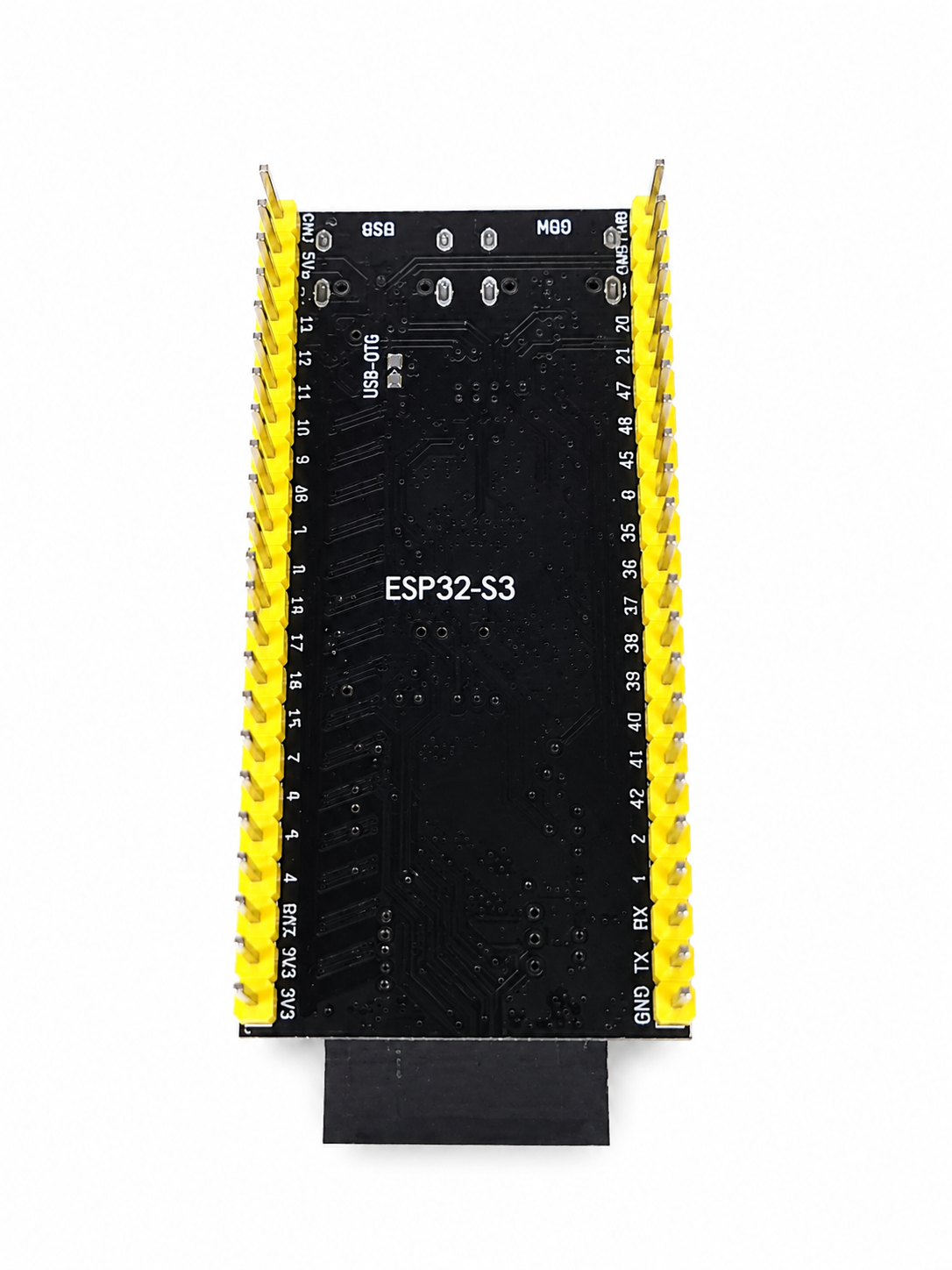
Description
Get ready to make apps in the shortest time possible with B9X C. All that is needed for development is a browser, a text file editor, and serial port terminal program.
The best way to show what B9X C does is by providing a working example.
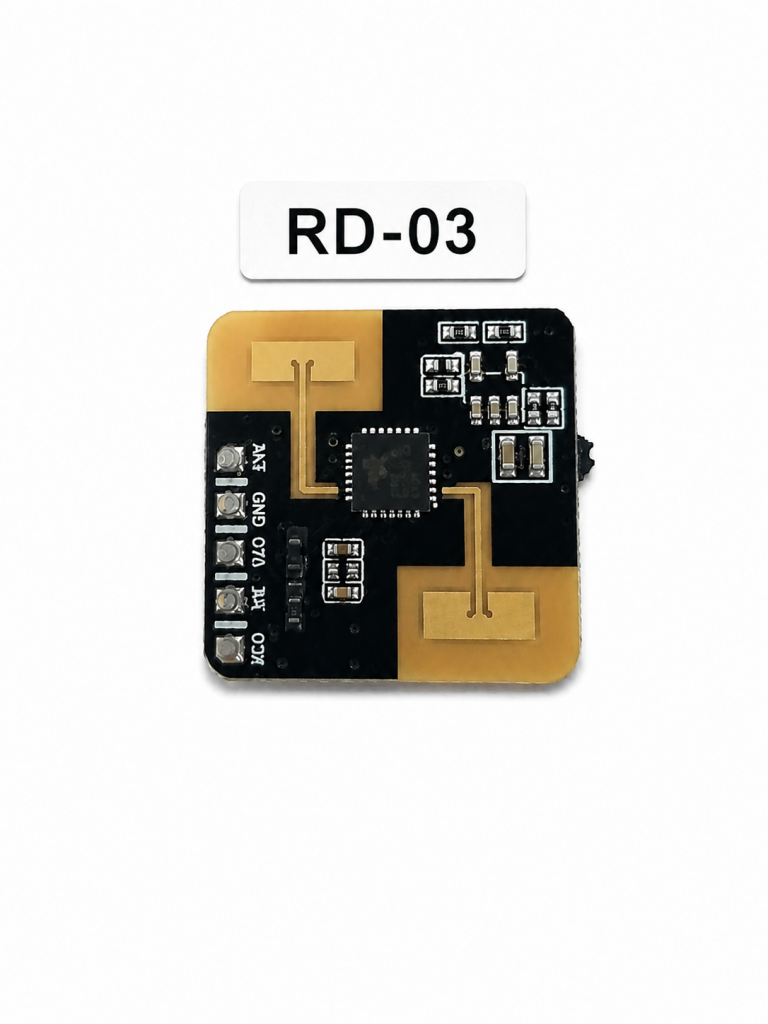
Below is a simple example that detects motion from an RD-03 RF Motion Detector. It prints motion detected when a object is 72 inches or less from the sensor. It prints motion stopped when the object is greater than 72 inches away.
To get this to actually work:
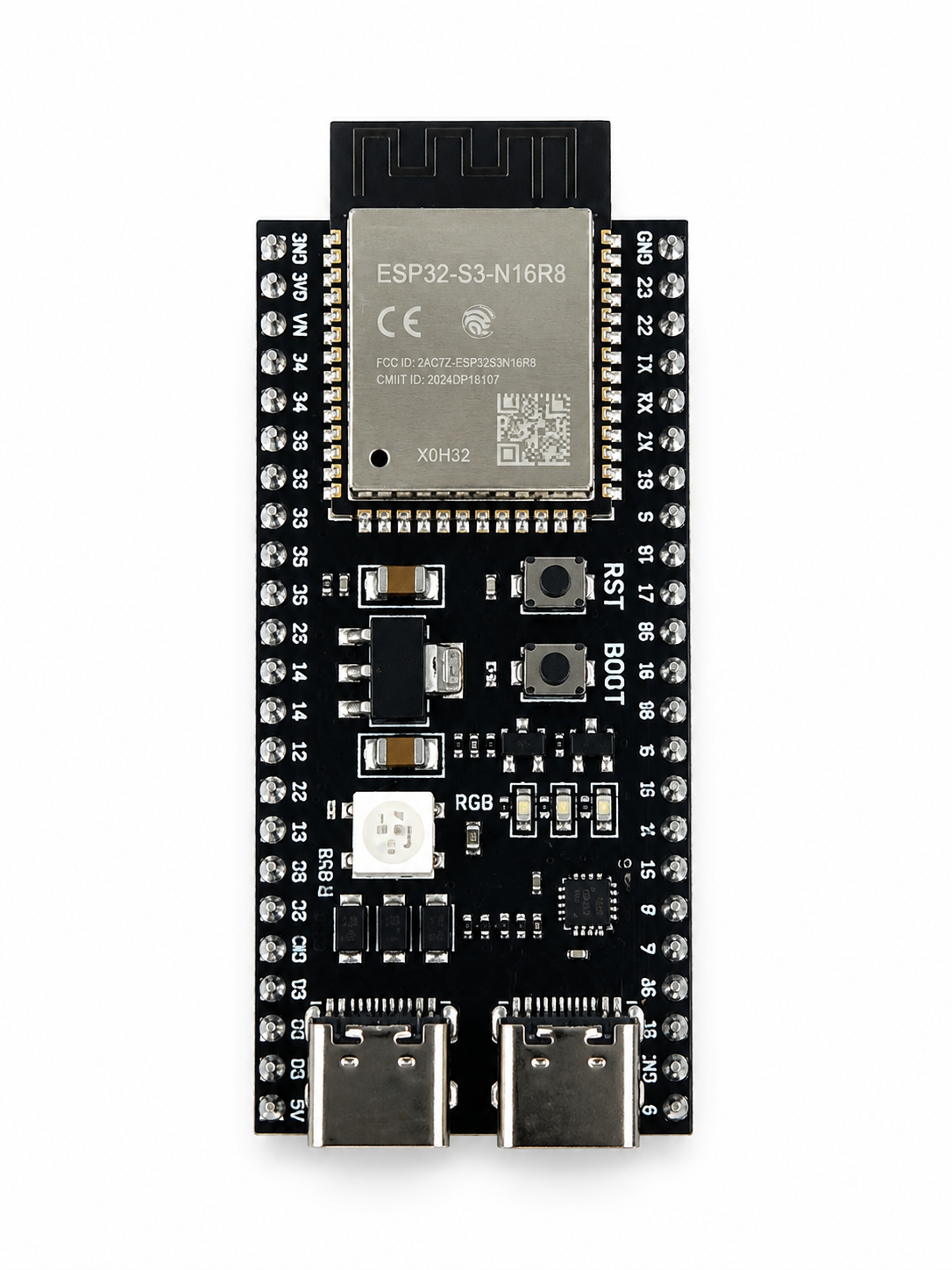
- Connect the RD03 to this module to the pins defined in the config.txt file.
- Use a terminal program to monitor the module’s serial port – the USB C connector on the bottom right.
- Its dynamic IP can be found in the boot messages seen in your terminal program.
- Type http://xxx.xxx.xxx.xxx in your browser and this will take you to the upload page.
- Upload the below main.c and config.txt to the module. Uploading is done via the modules built-in web server.
- Reset the module.
- Use a terminal program to monitor the module’s serial port and any printed message.
main.c file:
[KEY][0123456789ABCDEF0123456789ABCDEF]
[TIMESERVER][pool.ntp.org]
[TIMEZONE][EST5EDT,M3.2.0/2,M11.1.0]
[RD03_TXD][13]
[RD03_RXD][14]